OpenAI · Imagine Weave
GPT Image 2.5 Flare
OpenAI’s fast everyday image model on Imagine Weave. Turn text into images, or edit photos with clear instructions—built for speed without giving up polish.
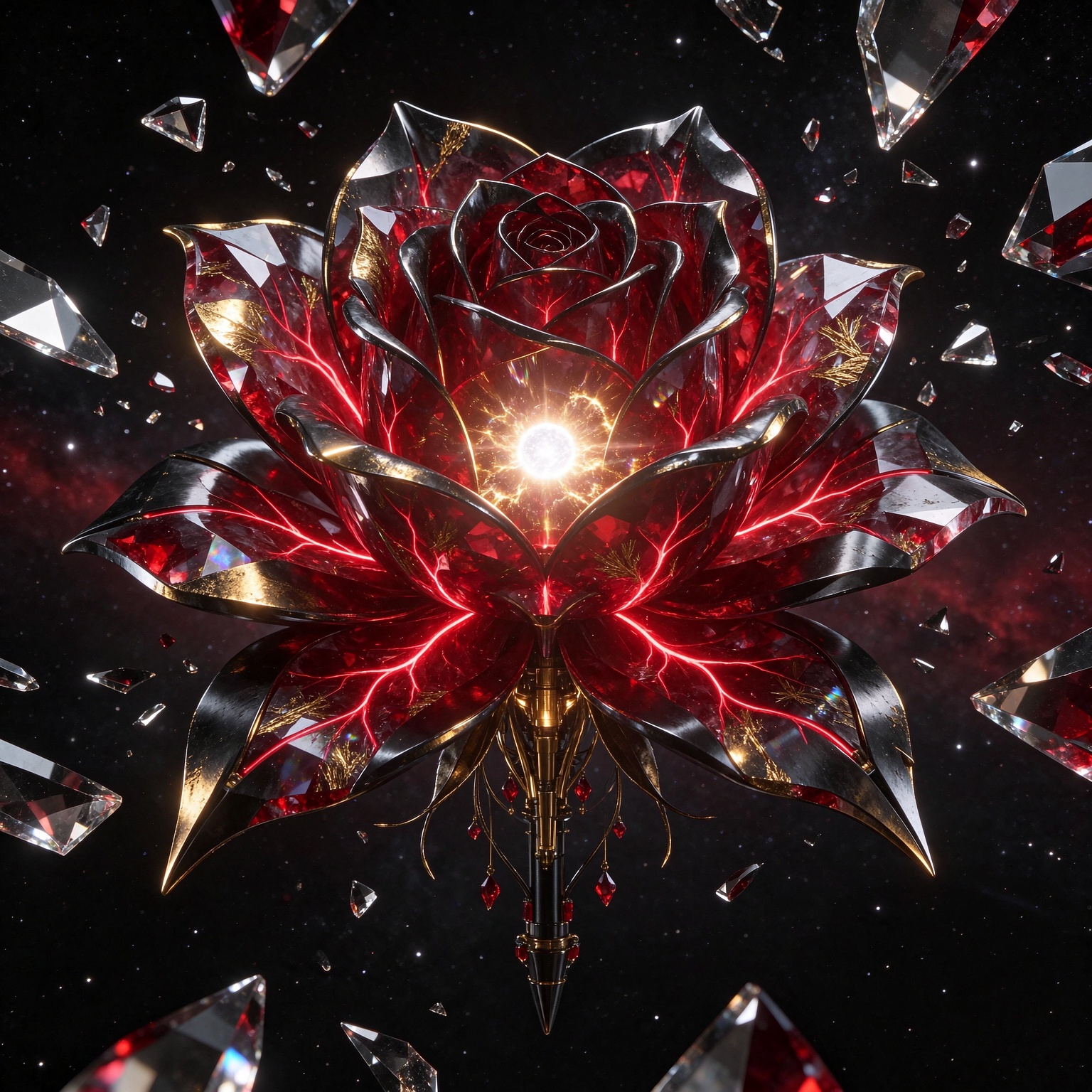
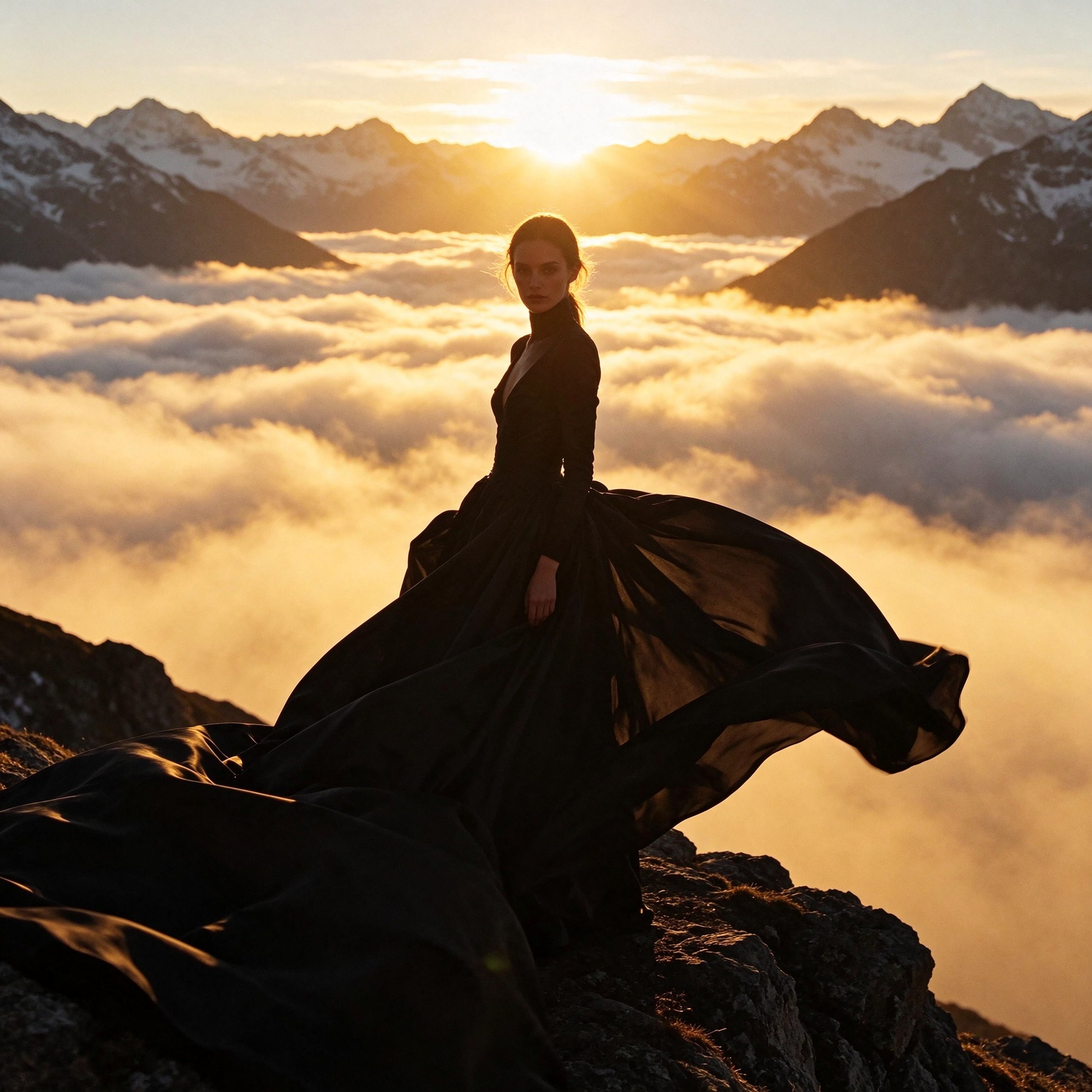
Flare examples
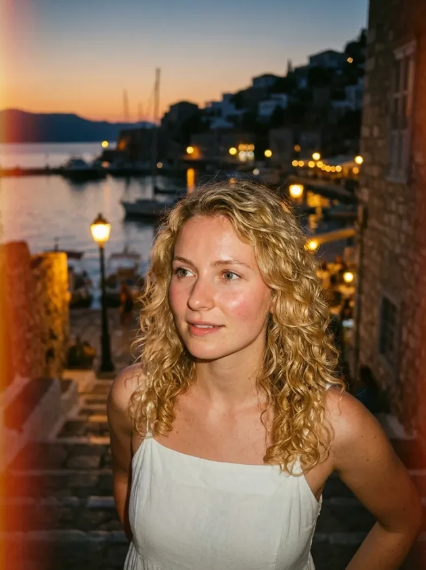
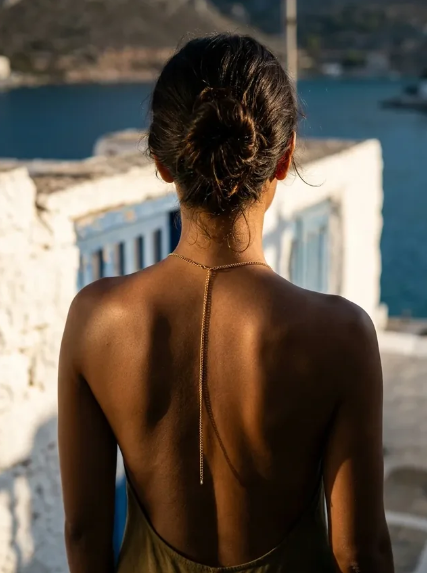
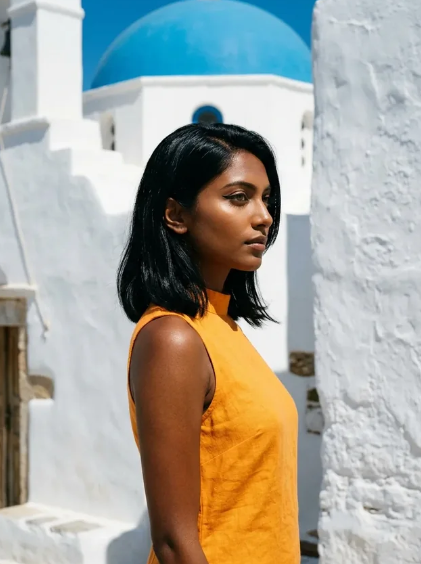
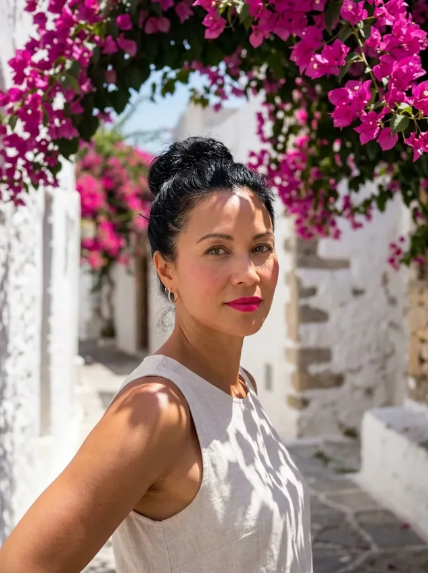
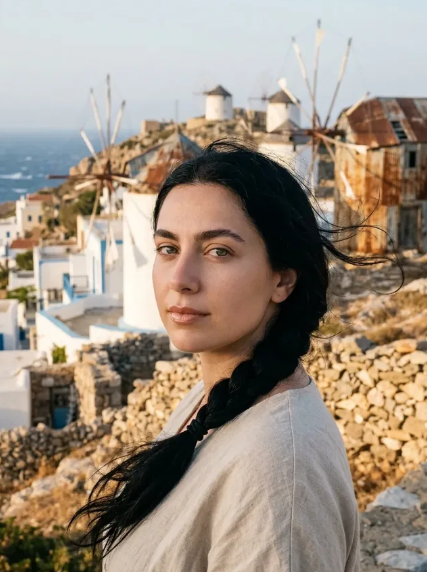
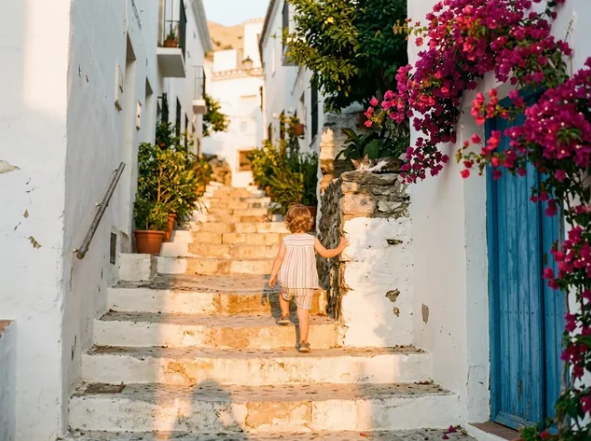
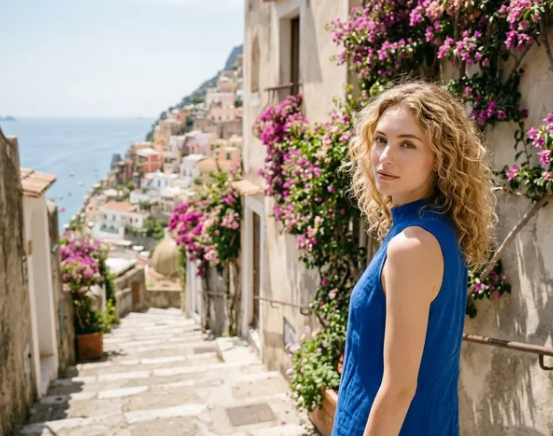
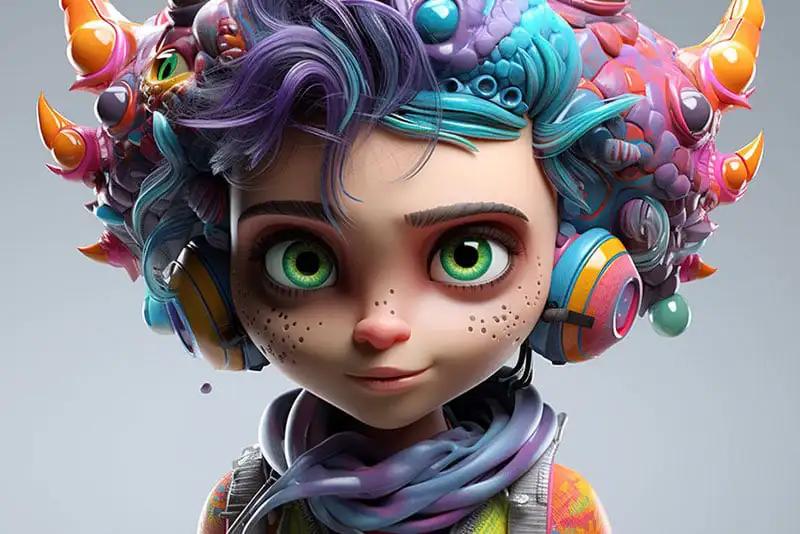
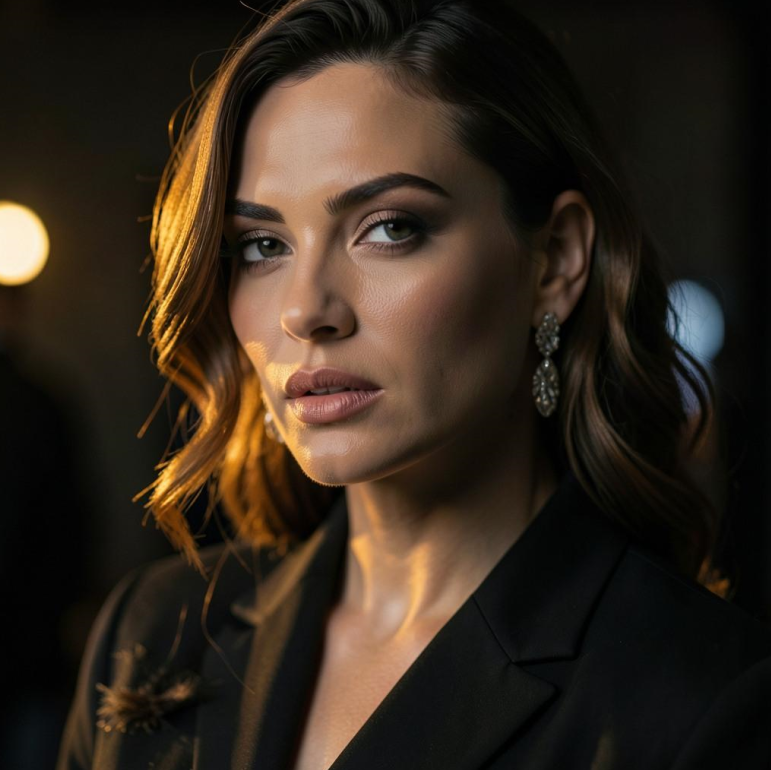
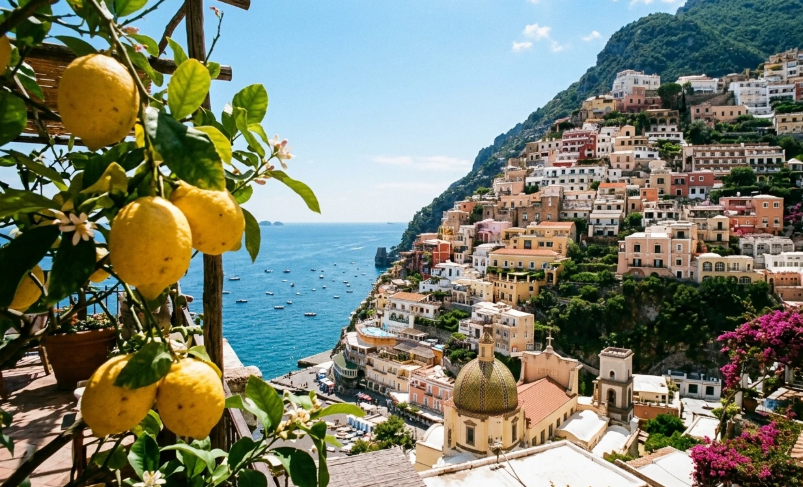
Travel, portrait, product, and editorial looks made with GPT Image 2.5 Flare. Recreate a similar direction in the generator above.
gpt-image-2.5-flare
GPT Image 2.5 Flare
What it does
Flare covers two workflows: text to image, and image editing with specific instructions. It’s the quick option in the GPT Image 2.5 family—ideal when you need many solid frames in a day.
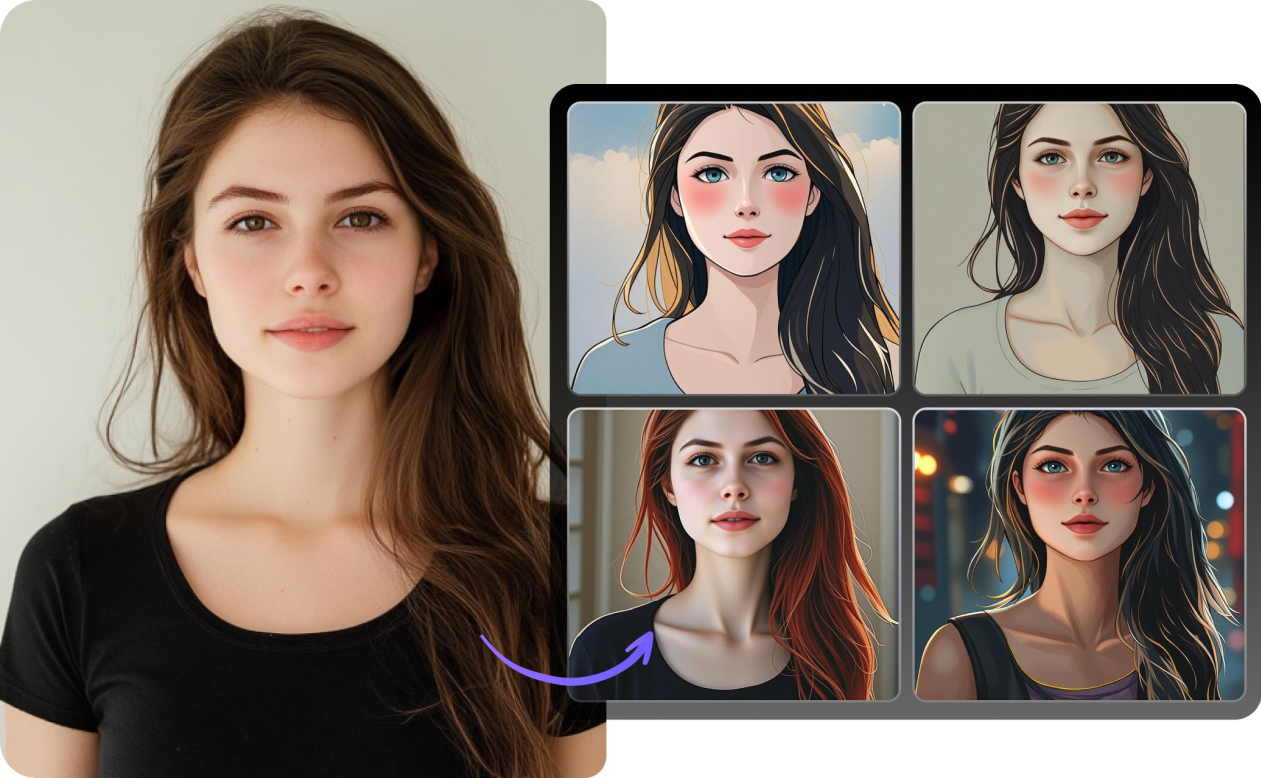
Upload one reference to restyle it, or several to blend subjects, styles, and details into a single result. Reference images are handled at high fidelity automatically.
Quality settings
Choose low, medium, high, xhigh, max, or auto. Lower tiers are faster and use fewer credits; xhigh and max add detail for finals. Draft on low, then step up when the frame is worth polishing.
Key capabilities
- Photorealism — natural light, believable materials, rich texture
- Text in image — dense copy, small type, UI mockups and layouts
- Precise edits — change one part while keeping face, pose, and lighting
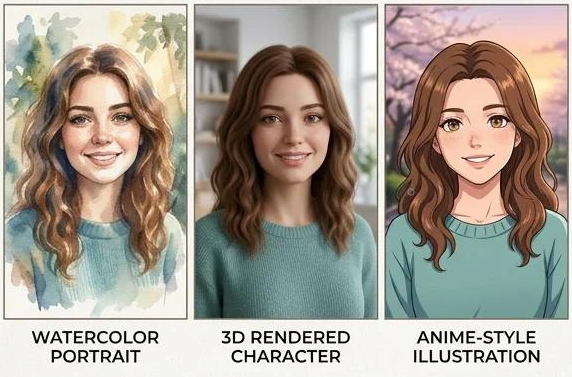
- Style control — keep a look consistent, or transfer style with a short prompt
Use cases
- Generation — marketing visuals, logos, mockups, scenes, comics
- Editing — style transfer, try-on, product shots, text fixes, cleanup, compositing
- Characters — multi-page sets where the same figure stays recognizable
How to get good results
- Be specific — “soft coastal daylight” beats “make it better”
- Use photo language — lens, light, and framing (e.g. 50mm, shallow depth of field)
- Lock what must stay — “change only lighting; keep face, pose, and clothing”
- Put on-image text in “quotes” and describe the typography
Controls on Imagine Weave
- prompt — what to generate or how to edit
- input images — one or more references
- aspect ratio — 1:1, 3:2, 2:3, 4:3, 3:4, 16:9, 9:16, or auto
- quality — low · medium · high · xhigh · max · auto
- count — up to 10 images per run
- format — webp, png, or jpeg
- background — auto, transparent, or opaque
- moderation — auto (default) or low